
 View in the ChatGPT registry
- Brand
- Unknown
- Category
- Pending
- Primary Subcategory
- Pending
Integration details
Description
AI Acceleration brings the business context you've saved in your AI Acceleration account into your chats, so drafts start from your business instead of a blank page. Your Context Cards hold who you are, how you write, how you like to work, and the guardrails you've set. In your AI Acceleration portal, you choose which cards, roadmaps, and onboarding sessions this connection can use. Cards, roadmaps, and sessions you haven't selected stay private. What you can do - Read the Context Cards you connected, so listing copy, client follow-ups, and updates use your voice. - Continue the onboarding started in your account: review your audit, answer the three starting questions, bring reviewed context from your existing AI, and complete your business profile. Your exact corrections and sources stay with the same selected business. You confirm the final profile in your portal. - Get your About Me, Brand Voice, and Working Style files as Markdown, compiled from the facts you've approved. - Write a listing description from the confirmed facts in your saved private listing, then save it to your account as a new private draft. You review that exact saved version in your portal before you use it. - If you have a published learning roadmap, see its modules and your saved work, work through a module's next step, and get your roadmap PDF when one is in your portal library. Who it's for Real estate professionals with an AI Acceleration account. What it won't do - It doesn't send email or texts, post to social media, change a CRM, or publish anything. - It doesn't value property, run a CMA, pull MLS data, or read photos or web pages. - It can't approve facts or drafts for you. You approve them in your portal. - It reads only what you connected, for your own account. Disconnect it anytime in your AI Acceleration portal, and its next request is refused. You're responsible for everything you publish. Check every fact and every Fair Housing question before a draft goes public.
- Integration type
- Plugin
- Verification status
- Not applicable
- Platform
- ChatGPT
- Category
- Pending
- Primary Subcategory
- Pending
- Secondary Subcategories
- None listed
- Brand
- Unknown
- Access
- Account required
- First tracked
- 2026-10-24
- Tool count
- 22
- Geography
- US
The broad Category that contains the Primary Subcategory.
The Primary Subcategory used for this profile’s headline score.
Other Subcategories where the Integration is listed.
 Agent DiscoverabilityChatGPT Plugin Discovery Score
Your score is coming
ChatGPT now suggests Plugins on its own when they match a user's request.Your Plugin Discovery Score measures how often yours appears, and it will show here as soon as it’s ready.
What discovery looks like
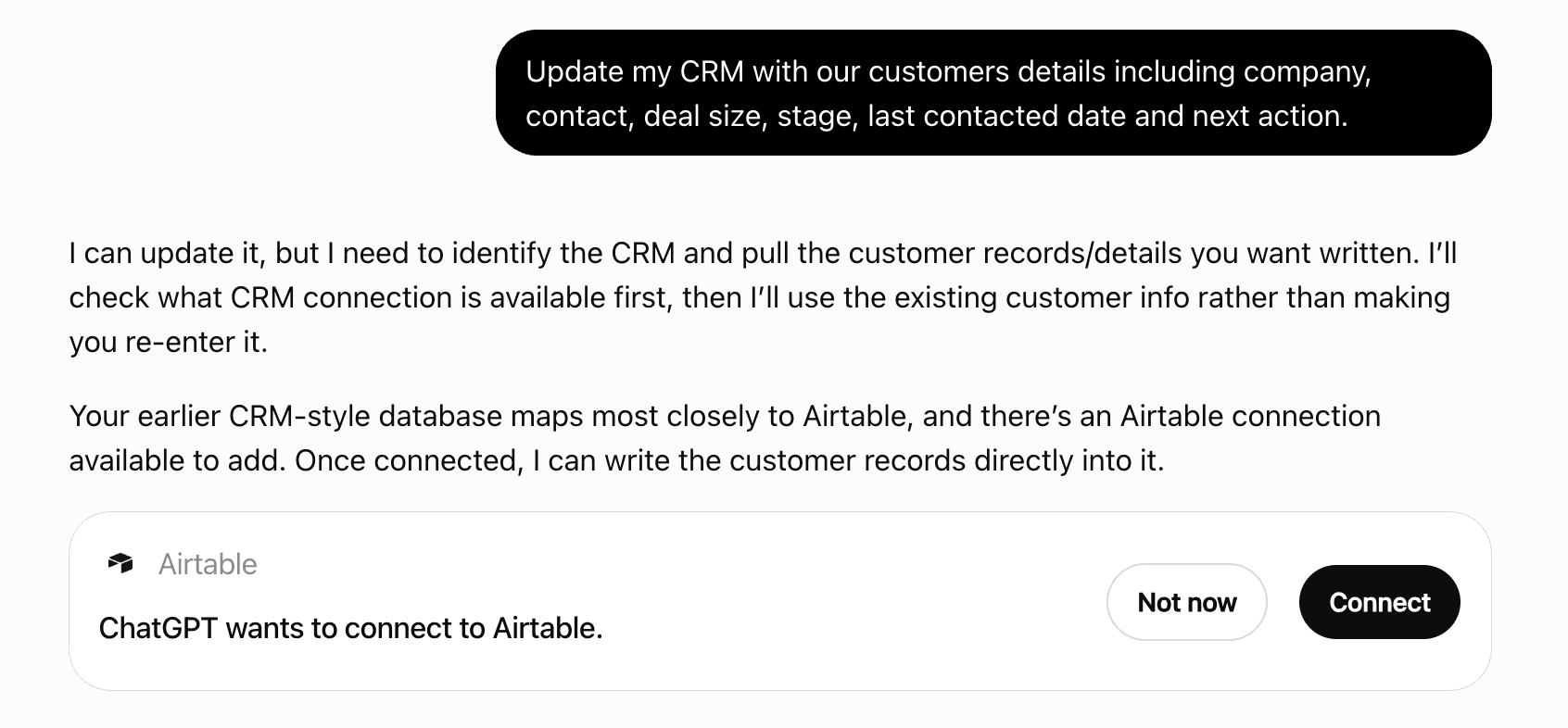
Get alerts for AI Acceleration
Get updates when AI Acceleration’s Discoverability Score or category rank changes.
Competitive lineup
22 tools agents can invoke

AI Acceleration ChatGPT Plugin FAQ
How the directory, categories and Discoverability Score work.
Read the methodologyHow do I improve AI Acceleration's ChatGPT Plugin discoverability?
The levers are the listing surface agents actually read: names, descriptions, keywords, tool metadata, and registry health. Which lever matters depends on where discovery breaks, which is what continuous measurement shows.
Where is this profile measured?
This profile uses the geography attached to the latest public registry snapshot: US. Locale tags are intentionally omitted.