Get Instant Access
Enter your email to read the full resource and access all our free content.
By signing up, you'll also join our newsletter. We'll occasionally send you updates, tips, and other useful resources. You can unsubscribe any time.
How to Build an MCP App (ChatGPT & Claude) with Zero Code (Step-by-Step Guide)
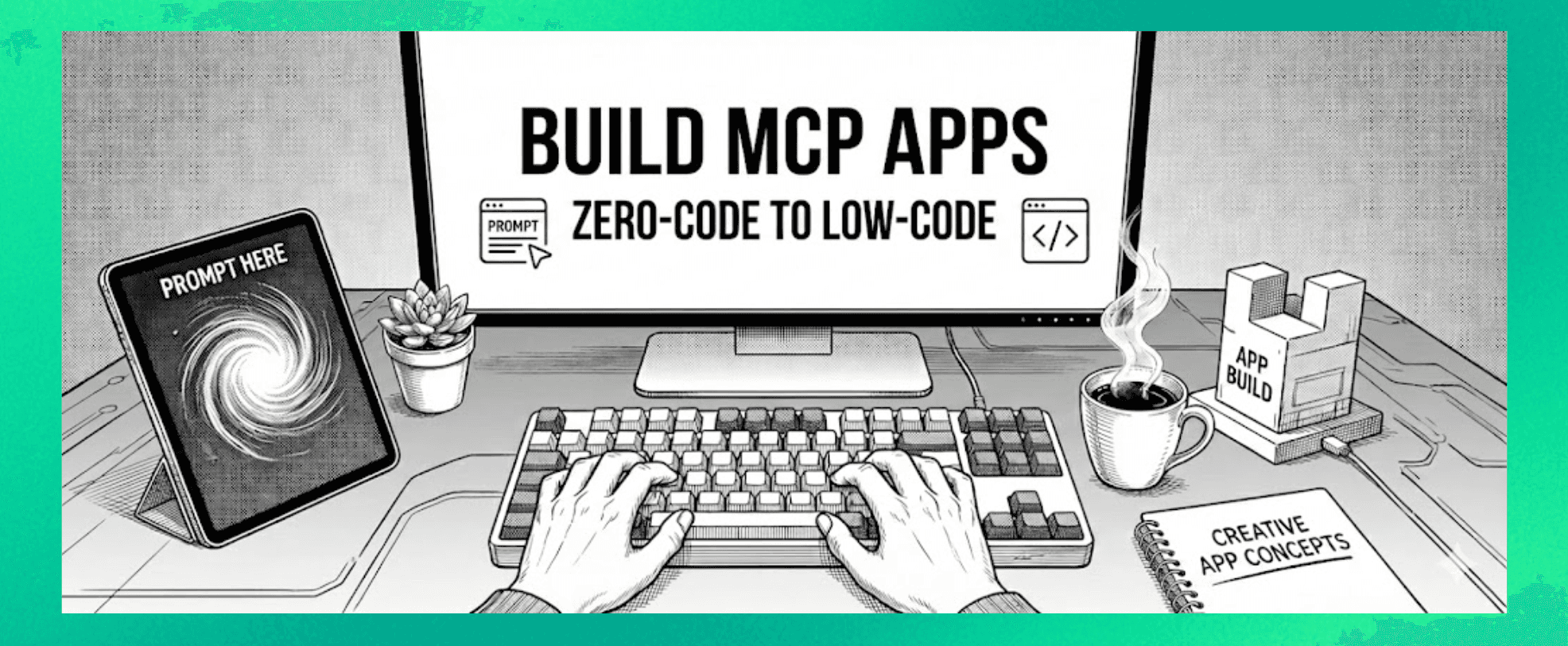
The Opportunity Just Got 10x Bigger
Join us for an hour webinar where we’ll build a ChatGPT App live! Free sign up here
Tools we use throughout this guide:
- Fractal - Lovable for MCP Apps
- Skybridge by Alpic - build ChatGPT Apps (low / full code)
- Appdiscoverability.com - Get your MCP App Discovered
———————
Here's what most people missed this week: you're no longer building for just one platform.
ChatGPT has 850 million weekly users. That's 10% of the global population and 140x the distribution the iPhone App Store had when it launched. The ChatGPT app store is live, and companies are racing to get discovered.
But now there's a second massive platform in play.
Anthropic just launched MCP Apps in Claude. That means one app can work across both ChatGPT and Claude with the same codebase.
The reason? Both platforms have converged on the same open standard: MCP (Model Context Protocol). When OpenAI and Anthropic collaborated on the MCP Apps Extension (SEP-1865), they created something unprecedented - a shared specification for interactive UI inside AI conversations.
Here's what this means in practice:
→ Any MCP server can now deliver an interactive interface
→ That interface works inside any AI product that supports the standard
→ Not just Claude. Not just ChatGPT. Any supporting AI product.
So when you build one MCP app, it works inside ChatGPT. It works inside Claude. It works inside any LLM that adopts the protocol - including Visual Studio Code, Goose, and soon JetBrains IDEs.
The numbers are staggering. ChatGPT alone represents 850+ million users. Add Claude's rapidly growing enterprise and consumer audience, and you're looking at access to over a billion users with one build.
We're already seeing major companies understand this shift. Slack, Figma, Asana, Amplitude, Box, Canva, Clay, monday.com, and Salesforce have launched MCP Apps in Claude. These same companies have apps in ChatGPT. One standard, multiple platforms, massive distribution.
This is the mobile app moment all over again - except you don't need to build one app for Apple and one for Android. You build once, deploy everywhere.
The window is open now. In the Claude App ecosystem, we're early. It's just launch partners at the moment. In the ChatGPT App Store, there are already 80+ apps and companies rushing to submit.
We've built hundreds of MCP Apps for clients and internally. So today, I'm sharing exactly how you can build yours - without writing a single line of code.
What Are ChatGPT Apps (and MCP Apps)?
Before we dive in, let me explain what we're actually building.
Until now, ChatGPT and Claude have been text-based. You write a message, you get a response.
Now you can bring actual UI into the conversation.
Ask the AI something, and instead of just text, an actual application appears. You can use that app inside the chat itself. Booking.com shows hotels directly in the chat. Spotify creates playlists and adds them to your account. Instacart lets you order groceries without leaving the conversation.
This changes everything about how people interact with AI.
The companies that figured this out early are already there. Uber. Expedia. Canva. Adobe. But you don't need to be a big company to build these apps. You just need to know the process.
OPTION 1: PURE NO-CODE (Using Fractal)
This is the easiest path. Zero coding required.
Fractal (usefractal.dev) is a tool that lets you describe your app in natural language and it builds the whole thing for you.
You can also check out the 20% discount code they have on offer here: https://www.appsonchatgpt.com/offers
Here's the exact process:
Step 1: Write a Precise Spec
You need to answer three questions clearly:
- When should this app be used?
- What should it do with the user's request?
- How should the UI display the result?
Turn your vague idea into an executable spec.
Example: "I want an app that shows the current weather" becomes:
Use when: user asks about weather conditions Action: call a weather API for their location Display: show temperature, conditions, and forecast in a clean card
Step 2: Paste Into Fractal and Review the Plan
Copy your full prompt into Fractal. It responds with a build plan. What tools it'll use. What inputs it needs. What outputs you'll see.
Review this carefully. You're checking that Fractal understood your intent before any code gets written. Approve it when it looks right.
Step 3: Preview and Inspect
Fractal builds the app automatically after you approve. Preview on desktop. Preview on mobile. Check that it works the way you expected.
You can also inspect the generated code if you want to understand what's happening under the hood.
Step 4: Deploy
When you're happy, hit "deploy to production." Fractal gives you a deployment URL. Copy this.
Step 5: Register in ChatGPT
Go to ChatGPT settings → Apps → Create App. Paste your deployment URL. Select no authentication (for simple apps). Your app is now registered.
Step 6: Test and Iterate
Open a fresh chat in ChatGPT. Select your app. Prompt it in natural language. If the UI needs tweaks, refine your prompt in Fractal and redeploy.
The whole loop is conversational. No code editor. No terminal. Just prompting.
You can also check out the 20% discount code they have on offer here: https://www.appsonchatgpt.com/offers
OPTION 2: LOW-CODE WITH CURSOR
This gives you more control while still being beginner-friendly.
If you've never coded before, don't worry. You're not really coding. You're prompting.
That's the whole trick with vibe coding. You describe what you want in natural language. The AI writes the code for you.
The skill isn't Python or JavaScript. The skill is clarity.
For this example, we used a framework called Skybridge by Alpic. But you could use any ChatGPT app building SDK or framework—there are several good ones emerging in this space like Sunpeak.
Without a framework, you're building on the raw SDK which has no hooks, no type safety, no dev tools. Frameworks fix all of that.
The best part: we fed our framework's docs directly to our AI coding agent. So every time Cursor writes code, it follows the correct patterns automatically. Drop a comment below if you'd like the agent.md file - I can share it.
Here's the full process we used to build a geo guesser game from scratch:
Tools You'll Need
- Cursor (AI-powered code editor)
- Node.js (just install it, you won't touch it)
- A ChatGPT app framework (we used Skybridge)
- MCP Jam (for testing locally)
- ngrok (for connecting to ChatGPT)
- GitHub (for storing code)
- Aplic (for hosting)
Sounds like a lot. But you set these up once and never think about them again.
The Build Process
Phase 1: Set Up Your Framework
Install your chosen framework and get the starter template.
This gives you:
- Server components for your MCP tools
- React widgets for your UI
- Dev environment with hot reload
- All the right patterns already in place
Most frameworks include docs you can feed to your AI coding agent so it builds things properly.
Phase 2: Planning
Start in "ask mode" in Cursor. Don't let the AI start coding yet.
Describe your app in detail. What should it do? What's the experience?
"I want to build a geo guesser game for ChatGPT. The user gets dropped in a random street view location. They chat with the agent to guess where they are. The agent gives hints but never reveals the answer unless they give up."
Let the AI ask clarifying questions. Answer them.
Then switch to "plan mode" and ask it to create a full build plan.
You'll get a structured breakdown:
- What tools the app needs
- What UI components to build
- What logic to implement
Review this carefully. The better your plan, the fewer bugs later.
Phase 3: Building
Switch to "agent mode" and say "execute the plan."
Because you've fed your framework's docs to Cursor, it writes code that follows all the right patterns:
- Proper tool registration
- React widgets with the right hooks
- Widget-to-model sync built in
The AI writes all the code. Hundreds of lines. In minutes. You don't need to understand any of it.
Phase 4: Testing Locally
Run your app with MCP Jam. This simulates the ChatGPT environment so you can see exactly what your app looks like.
Good frameworks give you hot reload, so changes appear instantly. No refresh loops.
You'll probably find bugs. That's normal. Copy the error. Paste it to the AI. It fixes it.
This loop takes 5-6 iterations usually. Keep testing until it works.
Phase 5: Testing in Actual ChatGPT
Use ngrok to create a public URL for your local app.
Go to ChatGPT → Settings → Apps → Create App (in developer mode). Paste your ngrok URL + /mcp.
Test your app in a real ChatGPT conversation.
Phase 6: Hosting and Deployment
Push your code to GitHub. Connect it to Pica for hosting (they specialize in MCP hosting with native analytics). Add your API keys as environment variables. Deploy.
Pica gives you a permanent URL you can use for submission.
Phase 7: Submission
Go to platform.openai.com.
Create a new app submission with:
- 64x64 SVG icon
- 3 screenshots (706px wide)
- Demo walkthrough video
- Tool annotations
Fill in the metadata. Submit for review.
That's it. You've built and submitted a ChatGPT app.
What To Build
Don't overthink this.
Start with something small. A tool that solves one problem you actually have.
- A habit tracker that fits naturally into conversation
- A quiz game like we built
- A calculator for something specific to your work
The best apps extract a single feature, not your whole product. They fit into conversational workflows. They're designed for prompting, not clicking buttons.
Getting Your App Discovered
MCP App Discoverability
Building the app is only half the battle. If ChatGPT and Claude don't know when to suggest your app, you won't get users.
Discoverability comes down to your metadata—your app name, tool descriptions, and parameter documentation. These determine whether the AI surfaces your app when users need it.
If you want to know how to get your MCP app discovered, go to appdiscoverability.com.
The Bigger Picture
ChatGPT has +850 million users. Claude is growing rapidly with enterprise adoption.
When the iPhone App Store launched, there were 6 million iPhones. That's 140x more distribution from day one - and now with MCP Apps, you reach multiple platforms simultaneously.
The time to build is now.
TL;DR
→ MCP Apps work across ChatGPT AND Claude (plus VS Code, Goose, and more)
→ No-code path: Use Fractal. Describe your app. Deploy. Register in ChatGPT.
→ Low-code path: Use Cursor. Plan in ask mode. Build in agent mode. Test locally. Deploy to Aplic. Submit.
You don't need to be a developer. You need to know what you want to build and describe it clearly.
Ready to build your MCP App?
Book a strategy call with our team to understand what ChatGPT & Claude Apps can mean for your business